
Mobile app for Android
Whether you’re watching live TV, movies, or catch-up content, XTV Player ensures everything runs smoothly — anytime, anywhere.
Download the APK now and install it in just a few minutes by following the steps below.
Android Setup – Quick & Simple
Follow these easy steps to set up XTV Player on your Android device.
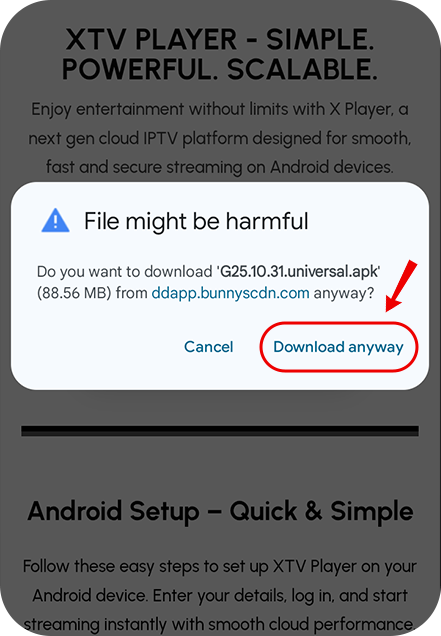
Step - 1
Once the APK is downloaded, tap it to open, and if you see “File might be harmful,” simply tap Download anyway.
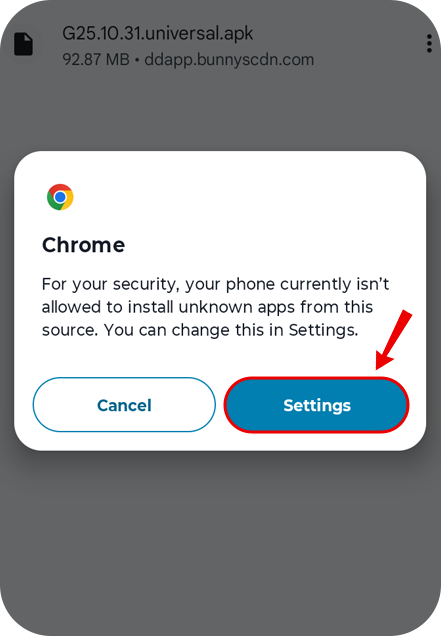
Step - 2
Once download complete then open and install the apk file, Here you must check your phone setting to install unknown apps:
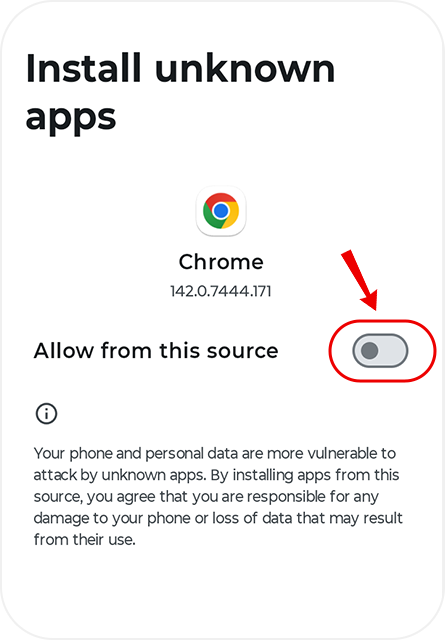
Step - 3
In phone setting to install unknown apps > Allow from this source
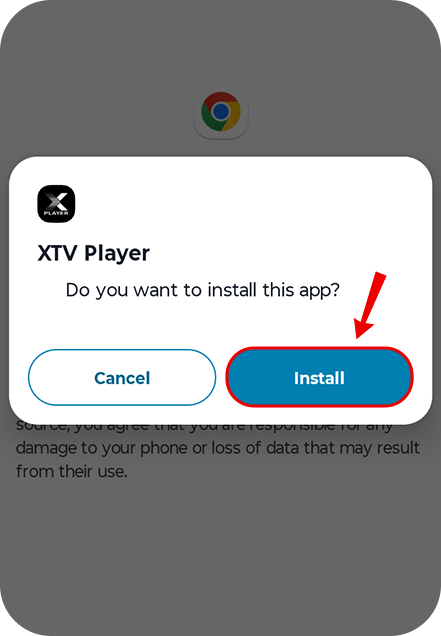
Step - 4
Then click on install the app
Step - 5
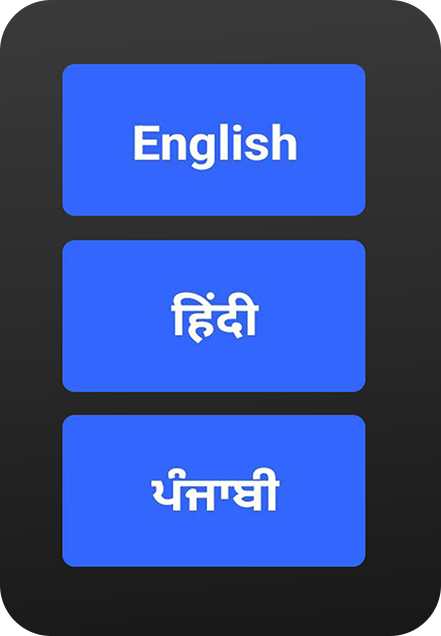
Choose your preferred language — English, हिन्दी, or ਪੰਜਾਬੀ
Step - 6
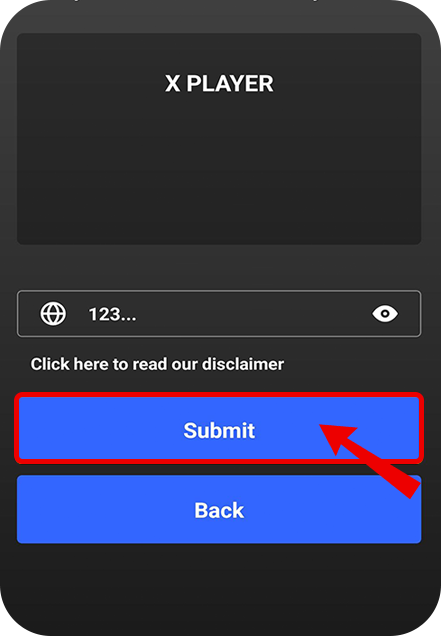
Enter your Service ID provided by your Real TV seller, tap Submit, and your subscription will connect automatically.
Step - 7
Enter your username and password to sign in (Scan the QR code from the box, fill out the form, and you’ll receive these details instantly by SMS or email).

Step - 8
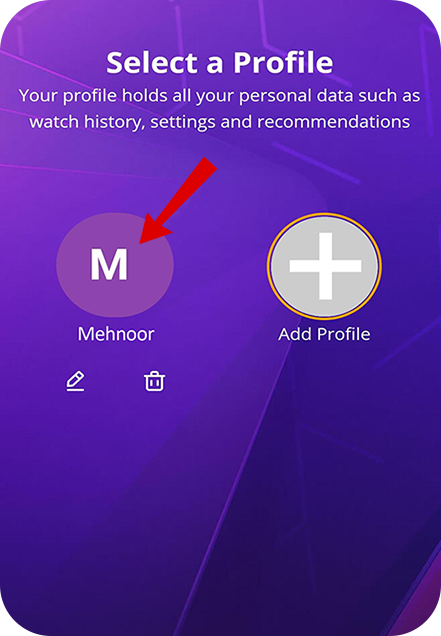
Start Watching! Select an existing profile or add a new one to begin watching with your personalised preferences.
You’re all set!
Sit back, relax, and enjoy a seamless entertainment experience like never before. With the XTV Player home screen, you can instantly access Live TV, Latest Movies, Popular Web Series, and much more — all in crystal-clear HD quality.